.webp)
For FPV pilots, the battery is the “heart” of the drone. Once problems such as failure to start charging when plugged into the charger, charger errors, or abnormal displays occur, it not only affects flight plans but may also hide potential safety hazards. In fact, FPV battery charging failure is not accidental; most are common problems that can be diagnosed and solved. Today, we will systematically break down the 7 core reasons why FPV batteries fail to charge, along with specific troubleshooting methods and solutions, to help you quickly locate the problem and avoid risks.
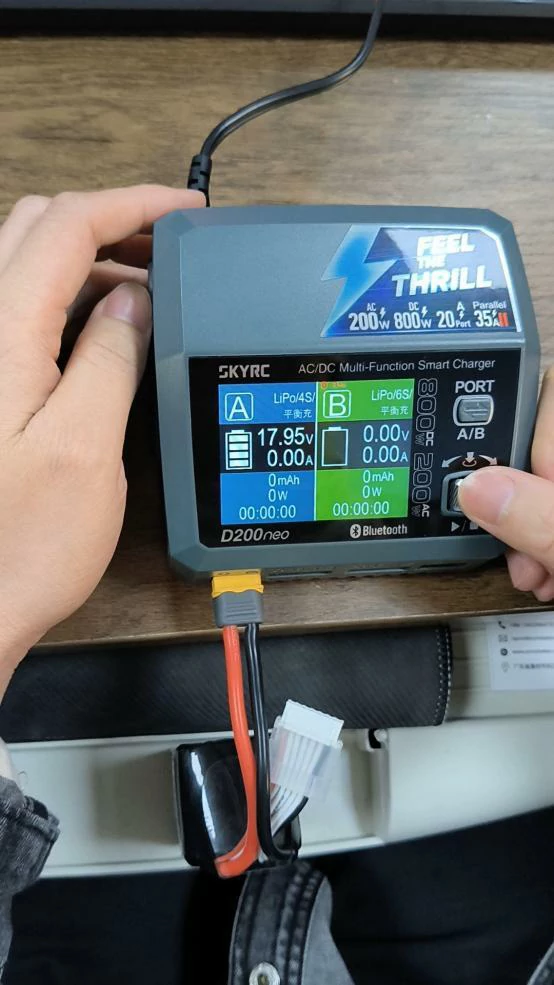
Cause 1: Battery Over-discharge, Voltage Below Safety Threshold Rejected by the Charger
This is the most common reason for FPV battery charging failure, especially among novice pilots. When the voltage of a single cell in the battery is below the safety threshold, the smart charger will activate a protection mechanism and refuse to charge to avoid risks such as fire and swelling.
Core Phenomena
• The voltage of a single cell is below 3.0V (some low-quality batteries or severe over-discharge will drop to below 2.8V);
• The charger cannot recognize the correct number of cells (e.g., a 6S battery is recognized as 4S);
• The charger directly reports an error “LOW VOLTAGE” or fails to start the charging process.
Cause Analysis
Currently, mainstream FPV batteries are lithium polymer (LiPo) batteries, and the supporting smart balance chargers all have built-in safety protection logic: when detecting that the voltage of a single cell is below 3.0V (some chargers are set to 2.8V), it will determine that the battery may have internal structural damage. To eliminate the risk of overheating and fire during charging, it will directly refuse to charge.
Solution by Scenario
• Scenario A: Cell voltage between 2.8V – 3.0V (mild over-discharge)
You can try to wake up the battery before normal charging, and the operation must be supervised throughout for safety: ① Switch the charger to “NiMH Mode” or “Low Current Mode”; ② Charge at a low current of 0.1C until the voltage of a single cell rises above 3.2V; ③ Switch back to LiPo Balance Charge Mode to complete charging normally. Note: The entire process must be supervised, and the battery should be kept away from flammable and explosive items to avoid safety accidents.
• Scenario B: Cell voltage below 2.5V (severe over-discharge)
It is not recommended to continue rescuing or using the battery. At this time, the internal structure of the cell is likely to be damaged, and the internal resistance will increase significantly. The risk of swelling, fire, etc., is extremely high during subsequent charging and flight. The safest approach is to directly discard it.
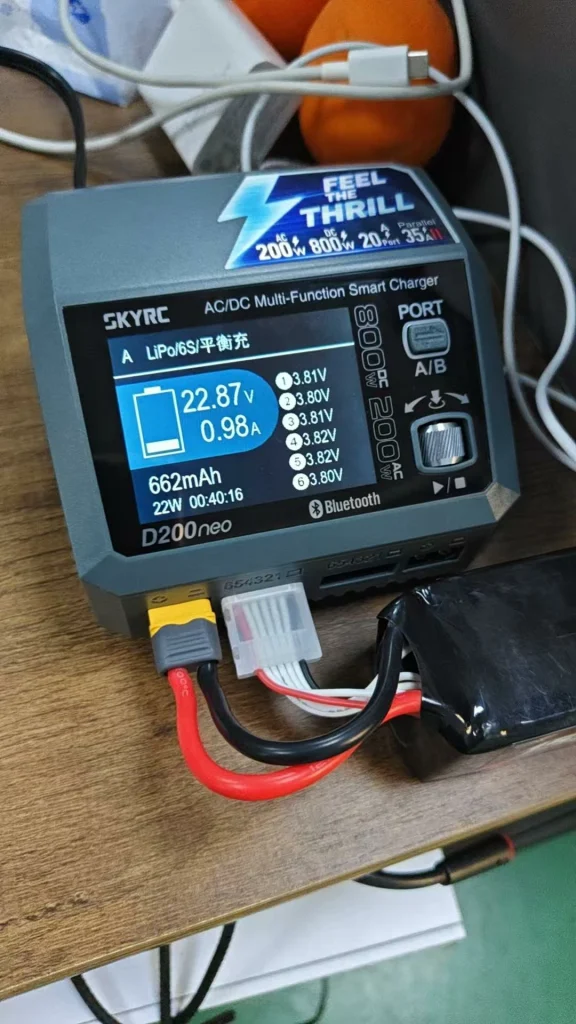
Cause 2: Charger Malfunction, Unable to Output Charging Signal Normally
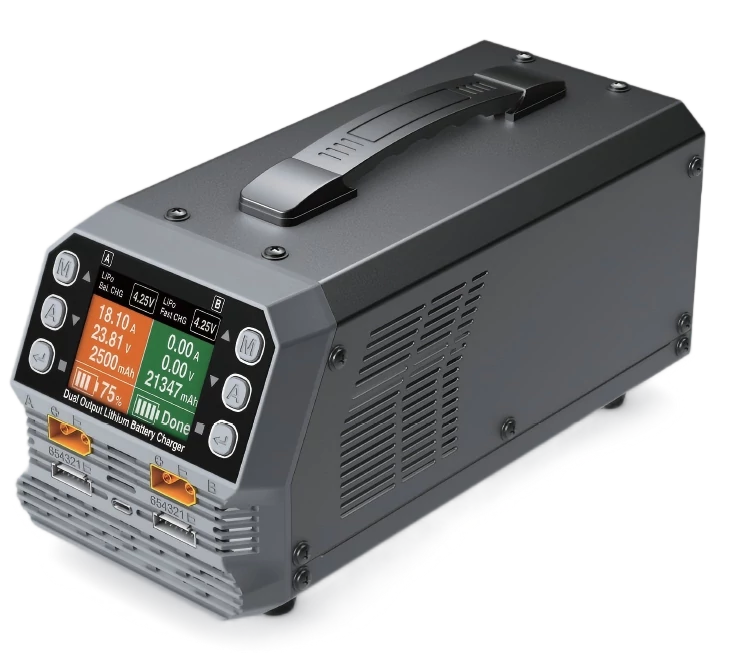
After ruling out battery problems, charger malfunction is also a common cause. Many pilots overlook this troubleshooting step, leading to repeated battery debugging without results.
Common Charger Malfunctions
• Damaged or poor contact of balance port pins;
• Main power module failure, unable to output stable voltage;
• Charger firmware error, leading to abnormal voltage detection and cell recognition;
•Voltage detection module failure, unable to accurately identify battery status.
Quick Troubleshooting Method
“Cross-testing” can be used for quick positioning: ① Test another known normal FPV battery with this charger; if it still cannot be charged, the charger is faulty; ② Test the faulty battery with another normal charger; if it can be charged normally, further confirm that the original charger is faulty; ③ Check if the charger’s balance port has loose, blackened, or oxidized marks, which are obvious signs of malfunction.
Tip: If multiple batteries cannot be charged with the same charger, it is likely that the charger itself is faulty. It is recommended to repair or replace it with a reliable FPV-specific balance charger.
Cause 3: Poor Contact or Disconnection of the Balance Plug
The balance plug is a core component for the charger to detect battery cell voltage and achieve balanced charging. Due to severe vibration of the fuselage during FPV flight and frequent plugging and unplugging, the balance plug is prone to poor contact or disconnection, which is also a detail easily overlooked by pilots.
Core Phenomena
• The number of cells recognized by the charger is abnormal (e.g., a 6S battery is displayed as 4S or 5S);
• The battery cell voltage displayed by the charger fluctuates sharply and is unstable;
• The charger reports an error “Cell Error” and cannot start charging.
Cause of Malfunction
Internal copper wire breakage of the balance wire, loose or oxidized pins of the balance plug, virtual soldering of solder joints, and balance wire damage by propellers during flight can all lead to poor contact of the balance plug, thereby affecting the charger’s recognition and charging of the battery.
Solution
• Use a multimeter to measure the voltage of each battery cell one by one to confirm if there is any voltage abnormality;
• Carefully check the appearance of the balance wire for signs of breakage or damage;
• Gently shake the balance plug and observe if the voltage displayed by the charger fluctuates; if it fluctuates, it indicates poor contact;
• If the balance wire is broken or the solder joints are virtually soldered, it can be repaired by soldering; if it cannot be repaired, replace the balance wire directly.
Cause 4: Solder Joint Falling Off or Virtual Soldering of the Main Power Cable (XT60/XT90)
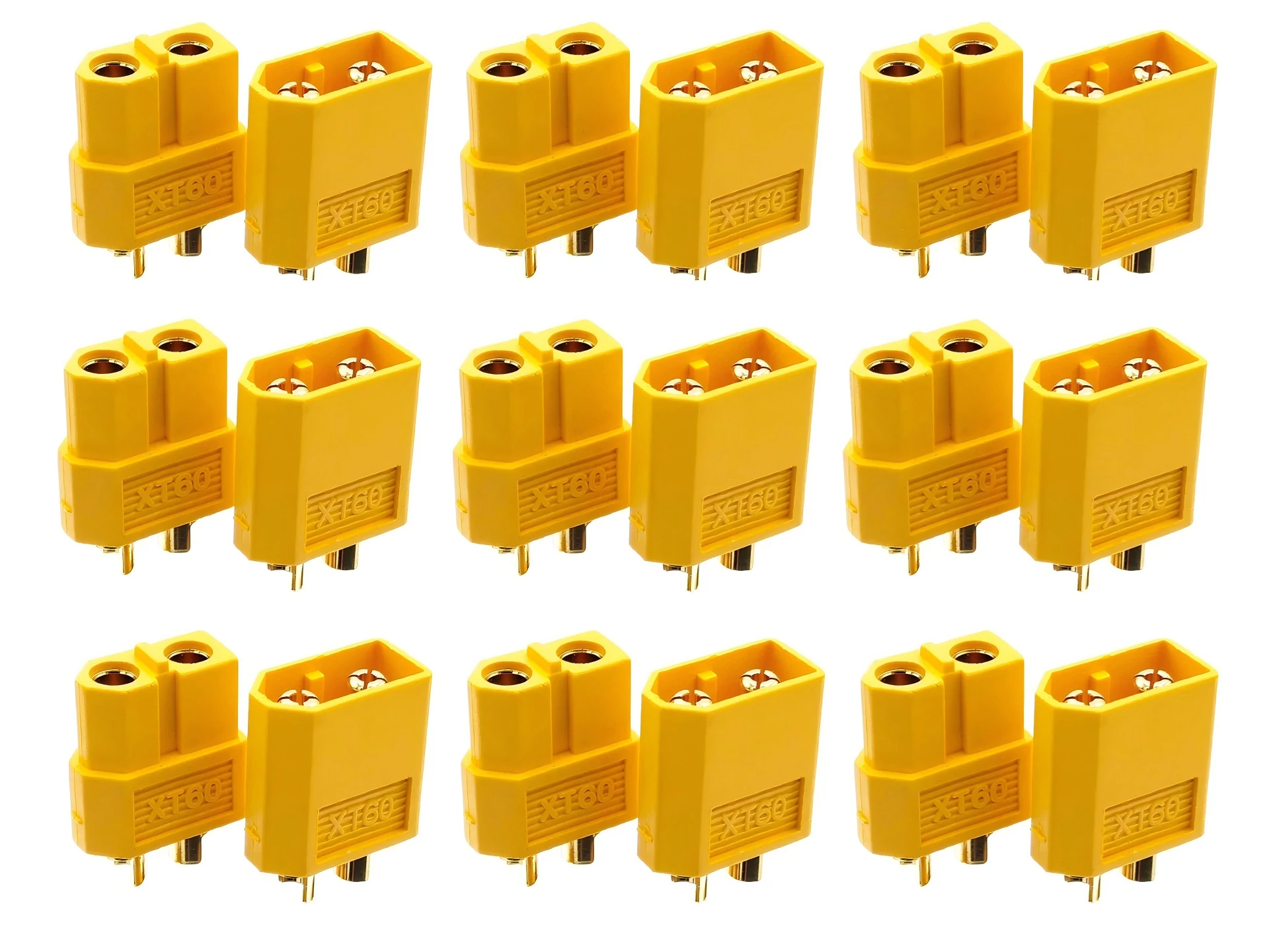
The main power cable (commonly using XT60 and XT90 connectors) is responsible for transmitting the main charging current. If there is a problem with the connector or the cable, the charger may not recognize the battery, or the power may be cut off instantly during charging.
Core Phenomena
• After inserting the battery into the charger, the battery cannot be recognized and there is no response;
• At the moment of charging start, the charger suddenly cuts off power or displays “Connection Interrupted”;
• During charging, the main power cable connector becomes severely hot.
Troubleshooting and Solution
Focus on checking three parts: ① Whether the main power plug is loose or oxidized; if oxidized, wipe it clean and reinsert it; ② Whether the solder joints between the plug and the cable are blackened, fallen off, or virtually soldered; blackening indicates poor contact or overheating, which needs to be resoldered; ③ Whether the internal wire is broken; gently bend the cable and observe if the charger responds; if yes, it indicates that the wire is broken, and the main power cable needs to be replaced.
Cause 5: Severe Cell Imbalance, Voltage Difference Exceeds Safety Range
FPV batteries are composed of multiple cells connected in series. Under normal circumstances, the voltage of each cell should be consistent (voltage difference ≤ 0.1V). If the voltage difference is too large, the charger will refuse to charge to avoid further damage to the cells.
Core Performance
• Some cells have low voltage (e.g., 2 cells at 2.8V), while the other cells have normal voltage (above 3.2V);
• The voltage difference between each cell exceeds 0.3V;
• The charger displays “Cell Imbalance” or fails to start charging.
Cause Analysis
Long-term high-current flight, partial cell damage caused by a single crash, inconsistent cell internal resistance, battery aging, etc., can all lead to cell voltage imbalance. When the voltage difference exceeds the safety range, the charger will determine that the battery has potential safety hazards and refuse to charge or interrupt charging.
Solution
Only recommended for experienced pilots: ① Use low-current individual supplementary charging to charge the cells with low voltage to a voltage close to that of other cells; ② After supplementary charging, charge in balance charge mode and observe whether the cell voltage returns to consistency; ③ If the cells still show severe imbalance after multiple charging and flight cycles, it indicates that the cells are damaged. It is recommended to discard the battery to avoid voltage drop and crash risks during flight.
Cause 6: Battery Aging or Internal Damage, Loss of Charging Capacity
FPV batteries have a certain service life. Long-term use or improper operation will lead to battery aging and internal damage, and eventually, they will be unable to charge normally. Even if they are barely charged, they cannot meet the flight requirements.
Aging/Damage Signs
• The number of battery usage cycles exceeds 150, and the internal resistance increases significantly (the internal resistance of a normal LiPo battery ≤ 20mΩ);
• The voltage recovery after charging is slow, and the balanced charging time is significantly prolonged;
• Severe voltage drop during flight and obvious decrease in endurance;
• The battery has slight swelling, abnormal heating, and frequent errors during charging.
Tip: Even if such batteries are barely charged, they are not recommended for high-rate flight, as they are prone to over-discharge, swelling, and even fire risks. It is recommended to replace them with new batteries in a timely manner.
Cause 7: Incorrect Charging Mode Settings, Mismatched with Battery Parameters
Novice pilots are prone to incorrect charging mode settings due to operational errors, leading to the charger being unable to charge the battery normally. Such problems do not require maintenance and can be solved by adjusting the settings.
Common Setting Errors
• Charging ordinary LiPo batteries in LiHV mode (LiHV is a dedicated mode for high-voltage lithium polymer batteries, with a different voltage range from ordinary LiPo);
• The manually set number of cells (S count) does not match the actual S count of the battery (e.g., a 6S battery is set to 4S);
• Selecting the wrong battery type (e.g., setting a LiPo battery as a NiMH battery);
• The charging current is set too high or too low, leading to abnormal charging.
Correct Setting Method
Be sure to confirm three points before charging: ① Battery type (ordinary LiPo or LiHV), and select the correct charging mode accordingly; ② Number of battery cells (S count), and manually match the S count setting of the charger; ③ The charging current is recommended to be set to 1C (e.g., for a 1500mAh battery, the charging current is set to 1.5A), which not only ensures charging efficiency but also protects battery life.
Prevention Tips: How to Avoid FPV Battery Charging Failure?
Rather than troubleshooting after problems occur, it is better to take precautions in advance to extend battery life and avoid charging failures. Pilots can pay attention to the following 6 points in daily use:
• Set a low-voltage alarm during flight; it is recommended to set the alarm threshold to 3.5V per cell to avoid battery over-discharge;
• Do not drain the battery power completely during flight, and avoid the cell voltage dropping below 3.0V;
• After each flight, use the charger to check the voltage difference of each cell and perform balanced charging in a timely manner;
• Avoid violent crashes, reduce severe impacts on the battery, and prevent damage to internal cells and wires;
• When the battery is not in use for a long time, do not store it fully charged; charge the voltage to about 3.8V per cell and store it in a cool and dry place;
• Use a reliable FPV-specific balance charger, and avoid using low-quality chargers that damage the battery.
Conclusion
FPV battery charging failure is not a “sudden damage”; the core causes are mostly over-discharge triggering protection, balance wire/main power cable faults, charger problems, cell imbalance, or aging. For pilots, it is not only necessary to master the troubleshooting and solutions for common problems but also to keep in mind the principle of “safety first”: when the cell voltage is below 2.5V, do not recommend rescuing; when the battery has swelling or abnormal heating, discard it directly to avoid safety accidents.
Correct usage and maintenance habits can not only reduce battery charging failures but also extend battery life, making every flight more secure and smooth.